James Dansereau
cdf43d0140
James Dansereau
cdf43d0140
- The Windows and Linux bundles shipped without the GCC runtime and SDL2
  license texts when the build machine lacked them (CI's MSYS2 has no
  share/licenses/gcc-libs; CI's Linux image has no dpkg). bundle-win.sh,
  bundle-linux.sh and package-macos.sh now fall back to in-tree copies:
  tools_pc/dist/GPL-3.0.txt, GCC-RUNTIME-EXCEPTION.txt, SDL2-LICENSE.txt.
- NOTICE / README: say the repository and downloads carry no ROM data or
  original assets and that the C source is a reconstruction (not "no
  Nintendo code"); describe the license-text sources.
- README: "What this port offers"; split-screen for up to 4 players; the
  few game-code changes keep N64 behavior or are opt-in; neutral wording
  for the comparison with the XBLA recompilation projects (rows about their
  status and motives removed); verification approach stated; release notes
  drop the 165/240 testing caveat.
16 KiB
title, description, date, modified_time, locale, flat_title
| title | description | date | modified_time | locale | flat_title |
|---|---|---|---|---|---|
| GoldenEye 007 PC Port | A native PC port of GoldenEye 007 (Nintendo 64, 1997), built from decompiled source with a software RSP. v0.6.0 for Windows, Linux and Steam Deck. | 2026-10-05 | 2026-10-13 | en_US | true |
A native PC port of GoldenEye 007 (Rare, 1997, Nintendo 64), compiled from
the GoldenEye 007 decompilation: the
original N64 game running from reconstructed source, not the Xbox 360
remaster. The N64's graphics coprocessor (RSP) is emulated in software; every
other hardware surface (video, audio, input, timers, save storage) is shimmed
in a dedicated port/ layer, following the architecture of the
Perfect Dark PC port, the same
Rare "Indy" engine family, one hardware generation apart.
Status · Download · See it running · Known issues · Documentation
Status
v0.6.0 (2026-10-13) — frame rates above 60, experimental macOS, fixes.
- Frame rates above 60: the frame cap offers 90, 120, 144, 165 and 240, and Auto (the default on fresh installs) matches your display. Frames between game ticks are blended; the game still simulates at its original rate. It costs one game tick of latency and does nothing on a 60 Hz display. A rework of f1zz1ec0ke's #137. See framerate and pacing.
- macOS on Apple Silicon, experimental: a
macos-arm64download (not notarized; runxattr -dr com.apple.quarantine <folder>once before the first launch) or build from source. Based on danturn's #95. - Fixes: geometry vanishing against a wall (#150), the first launch opening on the wrong monitor (#151), a Linux end-credits crash (#152), a hat-spawn crash (#153), the Cradle catwalk shadow flicker, and stale pixels beside the native-widescreen picture.
- Known issues: on the Steam Deck at 90 fps, Bunker 1/2 centre firefights can drop several fps and Jungle can feel slightly less smooth; Cradle's turret explosions may draw wrongly (not yet investigated).
v0.5.0 (2026-10-07) — split-screen multiplayer, one options menu, closer to the N64
- Split-screen multiplayer for up to 4 players, each player with their own pad, controls and aim settings.
- One options menu for every setting, laid out like the Perfect Dark port's, with the game's own crosshair as the mouse pointer. Pick the game's own N64 control styles (1.1–2.4) per player, or the Xbox release's presets with per-player pad rebinding; PlayStation and Nintendo pads show their own button names.
- Closer to the N64: fog and haze (Surface 2's ground fog, the sky at the horizon), automatic-weapon fire rate, sniper and camera zoom, Dam and Caverns water, the Jungle boss fight's timing, guard visibility in widescreen, and the Dam ending camera.
- Fewer crashes and glitches: a multiplayer crash with the crouched rifle, rockets passing through the ground, and broken geometry around Aztec's shuttle.
- A steady 60 fps on low-end GPUs (tested on an Intel HD 3000 laptop), with lighter first-launch defaults on Atom/Celeron-class graphics.
- Emulator saves load directly: copy a 1964 or Project64 save in as
data/ge007.eepand it is converted on first launch. - Also: more audio, video and control settings (master volume, audio device, trilinear filtering, draw distance up to 800%, PC-friendly crouch and look-ahead defaults), and controllers are picked up again when replugged.
What remains is a short list, under Known issues.
This is a pre-1.0 release, not a finished product. v1.0 is the target for a polished, feature-complete build; expect missing features and the occasional breaking change until then. The README's Roadmap section is the single tracker for what comes next.
Known issues
Full table in the roadmap's known-issues section; root causes in the finding log.
- NTSC-U ROMs only in the release packages. PAL and JP ROMs convert, build and run from source, but release packages ship the US (NTSC-U) ROM. On the roadmap.
- Changing the aspect ratio in a level can briefly glitch the gun/hand model (cosmetic, one-off). Change the ratio from the front-end PC Options, or accept it (D509).
- No ARM Linux build; macOS is experimental. The release ships Windows, Linux and Steam Deck (keyboard, mouse and controller-button rebinding are all supported, defaults in the README's Controls section). macOS on Apple Silicon is an experimental, not-notarized download (run
xattr -dr com.apple.quarantine <folder>before the first launch) or a source build; ARM Linux is on the roadmap. - Saves from v0.4.0 and earlier can hold fake unlocks from
All unlocked—All unlockedhas not written your save since v0.5.0, but saves made while it was on in v0.4.0 and earlier can hold fake unlocks and are not repaired; back updata/ge007.eepif you used it on an older build (D442, D387). - The first frame of a level takes a little longer while its textures upload — a brief FPS-counter dip; nothing to fix (D475, D480).
- In widescreen, far objects almost fully in fog can still show a faint distant building edge (4:3 matches the N64). Cosmetic (D503).
Release history
Warning: always use the latest release — earlier builds are kept in the release history for reference only; they lack the features and fixes of newer versions, so don't install an older release.
- 2026-10-07 — v0.5.0: split-screen multiplayer, one options menu, closer-to-N64 fog and fidelity fixes, emulator save import. Release notes.
- 2026-09-28 — v0.4.0: native widescreen, a complete aim system for mouse and controller, in-game key rebinding, crosshair customization, rumble-pak haptics, a rebuilt options overlay, and a broad fidelity-fix pass. Release notes.
- 2026-09-20 — v0.3.0: the first release with the complete campaign playable end to end at 60 fps on Windows, Linux, and Steam Deck. Release notes.
- 2026-09-04 → 2026-09-16 — v0.1.0 – v0.2.2: the alpha and beta cycle — build chain, software RSP, first rendered frames, front end, and per-level stabilization across the campaign.
Download
| Platform | Bundle | Notes |
|---|---|---|
| Windows (x86_64) | win64.zip | Engine + runtime DLLs + the one-time asset tool. |
| Linux (x86_64) / Steam Deck | linux tarball | SDL2 is bundled, so it runs as-is on any distro, and sideloads onto a Deck with nothing installed. |
| macOS (Apple Silicon, experimental) | macos-arm64 tarball | SDL2 and the C++ runtime are bundled. Not notarized: run xattr -dr com.apple.quarantine <folder> once before the first launch. Tested on one Mac; reports welcome. |
| ARM Linux | — | No download; on the roadmap. |
Bring your own ROM. Both bundles contain no ROM and no game assets: you
supply your own GoldenEye 007 N64 ROM (the
Requirements table
has the region filenames and SHA-1s). This release supports the NTSC-U (US)
ROM; PAL and JP are on the roadmap. Then: unpack, drop the ROM in data/,
and launch; the first run generates the derived assets automatically (no
Python or other tooling needed). The full steps are in the
Quick start;
the packages carry no ROM or game assets, and run only with a ROM you
already own. The binaries are not code-signed; each
release artifact carries a GitHub build-provenance attestation you can
verify with gh attestation verify <file> --repo jkdansereau/goldeneye-pc-port.
What the release actually installs is covered on Security status; how faithfully it tracks the N64 game, on Fidelity status.
See it running
 ‹
›
‹
›
Play it, or take it apart
- Try it yourself: grab a bundle above, bring your own ROM, and play the campaign. It's a pre-1.0 build for exactly this: if something breaks, an issue with what you were doing is genuinely useful.
- Read the code: the game logic in
src/is unmodified decompilation; every hardware surface (video, audio, input, save storage, and the software-RSP renderer) is shimmed in the MIT-licensedport/layer. Internals is the map; Porting notes is the catalogue of N64→PC bug classes hit along the way, a good read even if you never touch the code. - Mod it: the port layer, build system and
tools_pc/helpers are MIT licensed and yours to extend: new video options, input tweaks, your own asset sidecar. CONTRIBUTING has the ground rules that keep it faithful to the original game. - AI disclosure: development here used AI coding agents — Claude Code plus a local open-weight model on a single RTX 5090, directed by one person in their spare time. The project is as much a study of that process as it is a port; the write-up records what happened and takes no position for or against using LLMs on a project like this. See the full write-up — the setup, timeline, handoff workflow, and an honest account of what did and didn't work.
How it works
The R4300 game code's logic and control flow are the decompilation's, and
remain the reference we preserve. The port's changes inside src/ are few in
kind and each is gated behind #ifdef PORT: mechanical 32→64-bit
pointer-width fixes, a couple of approved timing fixes, and the opt-in
All unlocked and Skip intro hooks. The N64's Reality Signal Processor
(RSP), the graphics coprocessor that builds and executes each frame's
display list, is emulated in software: the port interprets the graphics
command stream (GBI) the game emits and translates it to OpenGL, bypassing
the RDP entirely. Everything else that would touch N64 hardware (video,
audio, input, timers, save storage) is shimmed in a small dedicated layer,
following the architecture of the Perfect Dark PC port from the same Rare
engine family. Full detail: Internals; the bug
catalogue: Porting notes.
Documentation
The technical docs live on the Documentation page — the architecture, the N64→PC bug catalogue, and how the project is developed. Building covers building and running from source.
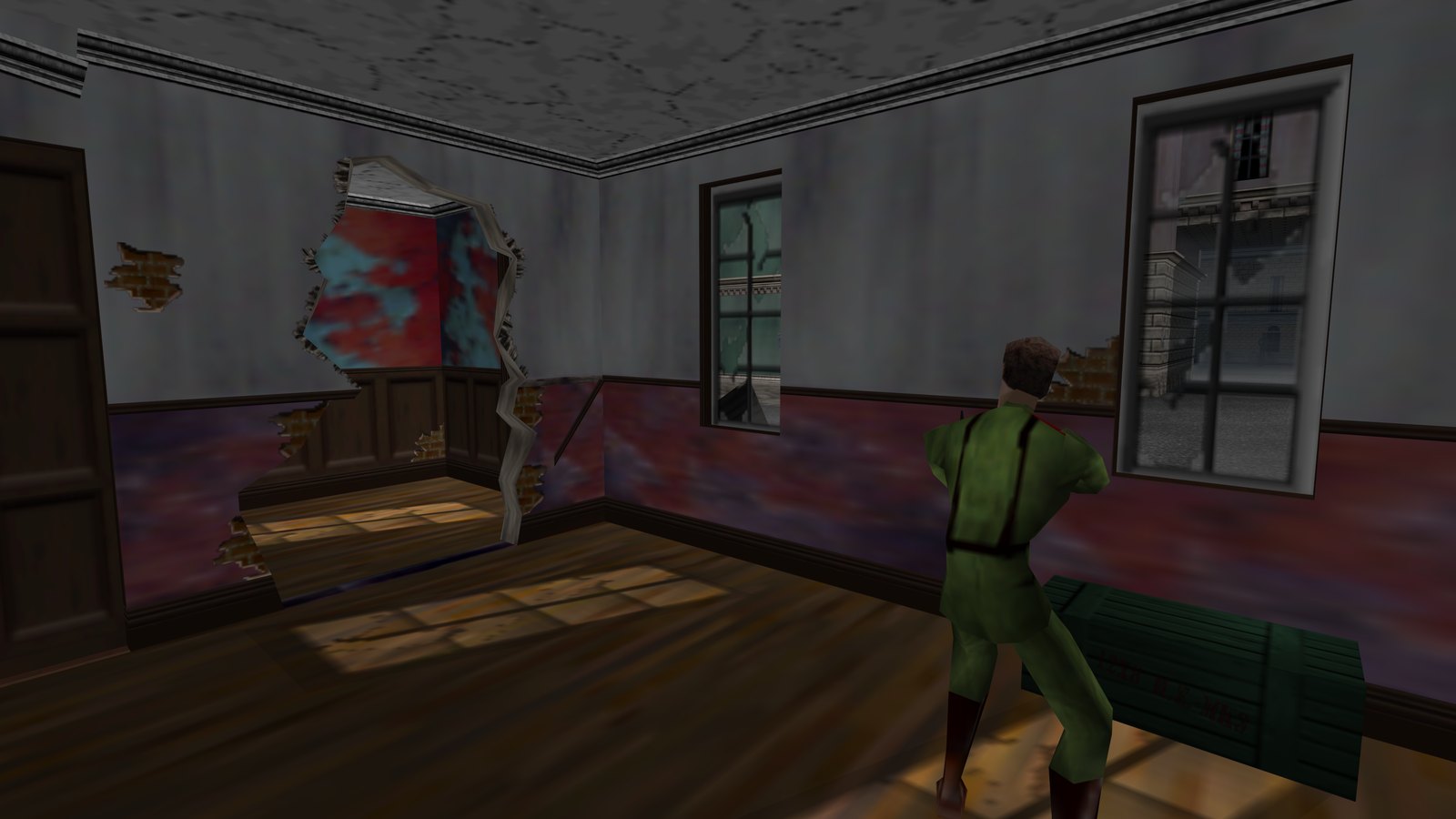
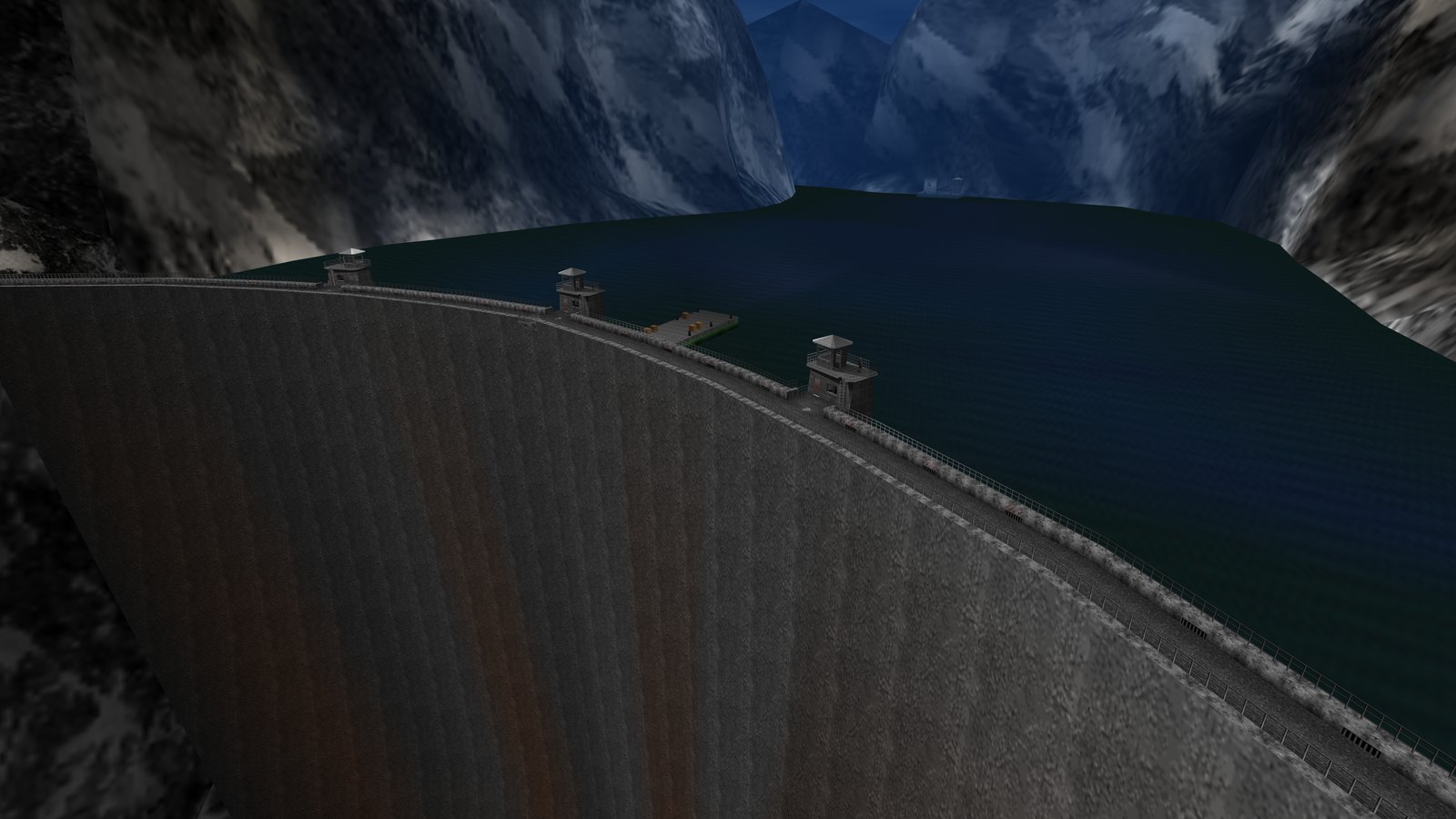
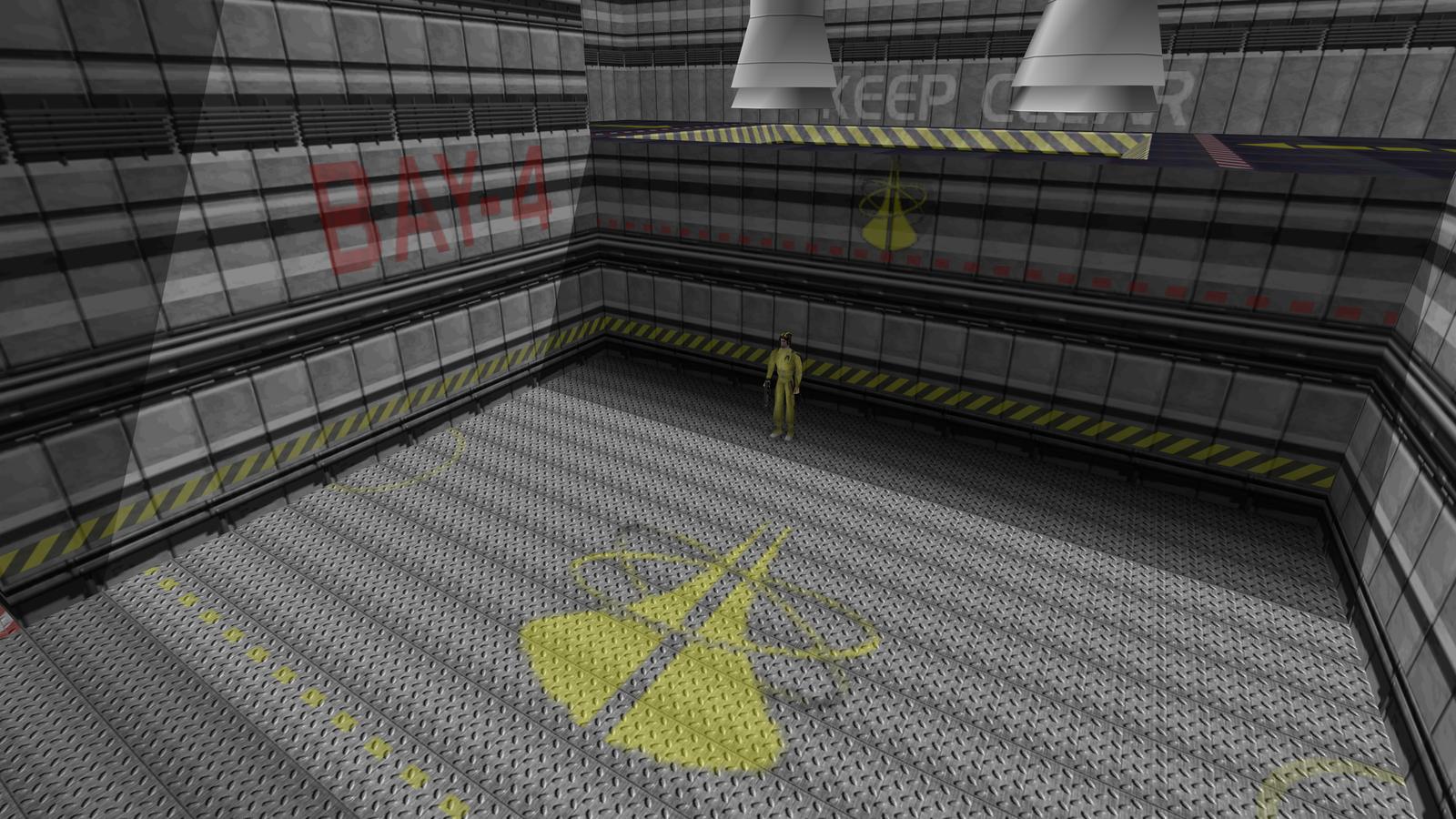
<script> // console-viewer carousel: one media slot, cycle the captures. Vanilla JS. (function () { var slides = [ { src:"img/shots/feature-splitscreen.jpg", cap:"2-player split-screen — v0.5.0" }, { src:"img/shots/feature-options.jpg", cap:"PC options menu, custom crosshair colour — v0.5.0" }, { src:"img/shots/shot-01.jpg", cap:"Dam — v0.5.0 intro attract, 4K" }, { src:"img/shots/shot-03.jpg", cap:"Runway — v0.5.0 intro attract, 4K" }, { src:"img/shots/shot-04.jpg", cap:"Surface — v0.5.0 intro attract, 4K" }, { src:"img/shots/shot-09.jpg", cap:"Frigate — v0.5.0 intro attract, 4K" }, { src:"img/shots/shot-11.jpg", cap:"Surface 2 — v0.5.0 intro attract, 4K" }, { src:"img/shots/shot-16.jpg", cap:"Statue — v0.5.0 intro attract, 4K" }, { src:"img/shots/shot-20.jpg", cap:"Archives — v0.5.0 intro attract, 4K" }, { src:"img/shots/shot-21.jpg", cap:"Cradle — v0.5.0 intro attract, 4K" }, { src:"img/shots/shot-24.jpg", cap:"Aztec — v0.5.0 intro attract, 4K" }, { src:"img/shots/shot-27.jpg", cap:"Control — v0.5.0 intro attract, 4K" }, { src:"img/shots/shot-28.jpg", cap:"Streets — v0.5.0 intro attract, 4K" }, { src:"img/shots/shot-29.jpg", cap:"Jungle — v0.5.0 intro attract, 4K" } ]; var img = document.getElementById("vImg"), cap = document.getElementById("vCap"), idx = document.getElementById("vIdx"), i = 0; function show(n) { i = (n + slides.length) % slides.length; img.src = slides[i].src; img.alt = "GoldenEye 007 PC port — " + slides[i].cap + ", in-engine capture, 3840×2160"; cap.textContent = slides[i].cap; idx.textContent = (i + 1) + " / " + slides.length; } document.getElementById("vPrev").addEventListener("click", function () { show(i - 1); }); document.getElementById("vNext").addEventListener("click", function () { show(i + 1); }); document.addEventListener("keydown", function (e) { if (e.key === "ArrowLeft") show(i - 1); else if (e.key === "ArrowRight") show(i + 1); }); show(0); })(); </script> <script type="application/ld+json"> { "@context": "https://schema.org", "@type": "Software", "name": "GoldenEye 007 PC Port", "genericName": "Native PC port of a Nintendo 64 game", "softwareName": "GoldenEye 007 PC Port", "category": "GameCategory", "description": "A native PC build of GoldenEye 007 (Rare, 1997, Nintendo 64), compiled from the n64decomp/007 decompilation with the N64's RSP emulated in software. Ships no ROM and no game assets; you supply your own.", "softwareVersion": "0.5.0", "datePublished": "2026-10-05", "dateModified": "2026-10-07", "operatingSystem": ["Windows", "Linux", "Steam Deck"], "downloadUrl": "https://github.com/jkdansereau/goldeneye-pc-port/releases", "distributionType": "Software-Offline", "officialDistribution": { "@type": "SoftwareDistribution", "downloadUrl": "https://github.com/jkdansereau/goldeneye-pc-port/releases", "distributionLicense": "MIT" }, "license": "https://opensource.org/licenses/MIT", "isFreeApplication": true, "url": "https://jkdansereau.github.io/goldeneye-pc-port/", "sameAs": "https://github.com/jkdansereau/goldeneye-pc-port", "publisher": { "@type": "Person", "name": "jkdansereau", "url": "https://github.com/jkdansereau" }, "gallery": [ "https://jkdansereau.github.io/goldeneye-pc-port/img/shots/shot-28.jpg", "https://jkdansereau.github.io/goldeneye-pc-port/img/shots/shot-01.jpg", "https://jkdansereau.github.io/goldeneye-pc-port/img/shots/shot-24.jpg" ], "alternateName": "GoldenEye 007 (Nintendo 64, 1997) on the PC" } </script>